The key technology for extraordinary desktop applications
What is WPF and why it's the ideal choice for creating modern desktop apps
Everything you need to know about WPF: the Microsoft framework for creating advanced, flexible and high-performance graphical interfaces.
WPF (Windows Presentation Foundation) is more than a framework. It's the technology that lets you create superior user experiences.
Based on XAML and backed by DirectX, WPF offers a unique combination of vector graphics, fluid animations and an advanced architecture.
With WPF, you can overcome the limits of traditional frameworks. Design modern, scalable desktop applications ready for the market.
Thanks to the MVVM architecture, WPF clearly separates business logic from design. This guarantees clean, maintainable code ready to grow with the project's needs.
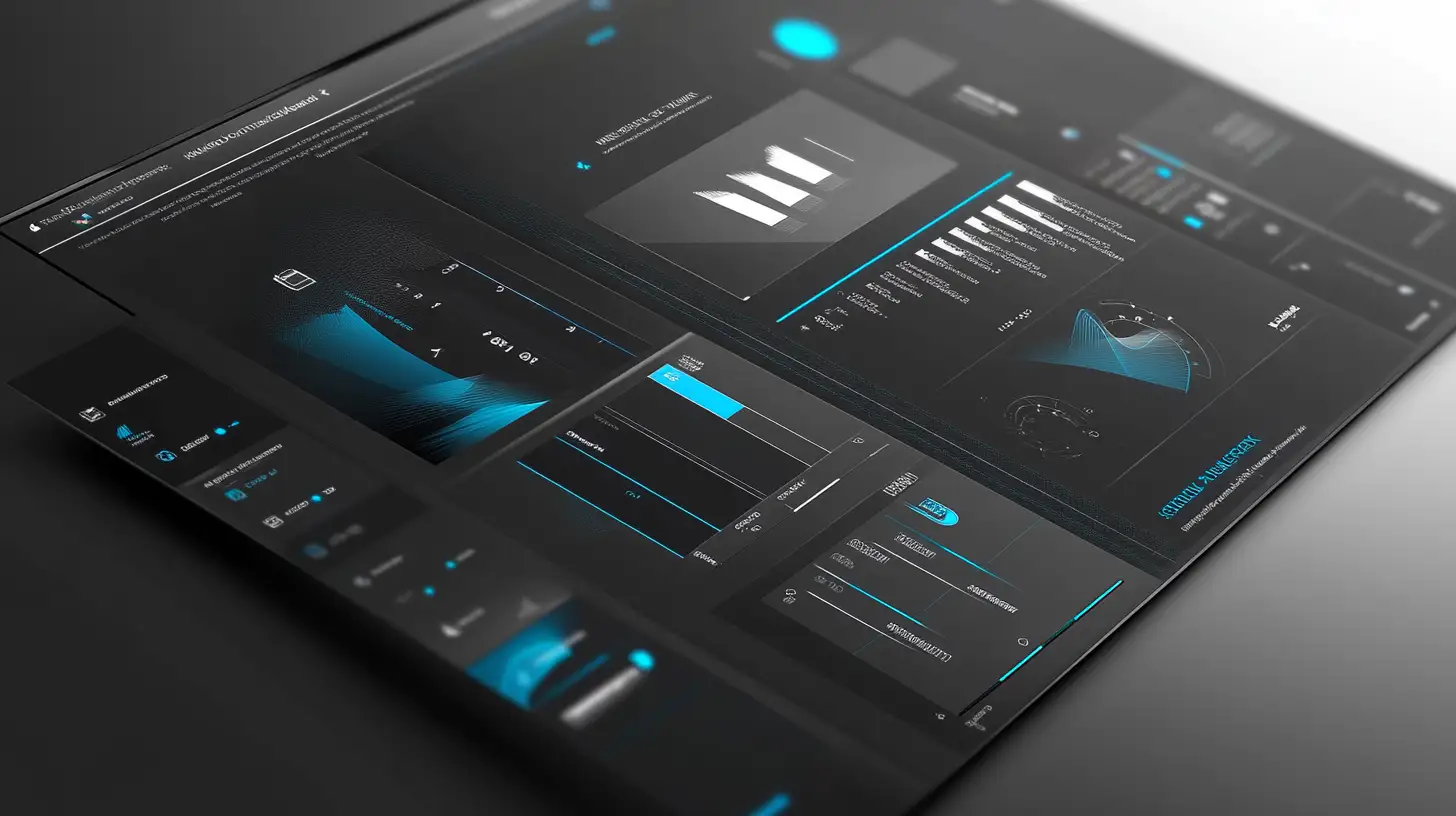
Integrated with Visual Studio, WPF puts at your disposal one of the most powerful development environments in the world. Developing complex interfaces becomes intuitive and fast, thanks to advanced tools like Blend for Visual Studio.
With WPF you can integrate multimedia features and advanced data analysis tools, transforming your application into a complete ecosystem.
Every project you create with WPF is synonymous with quality, reliability and performance.
What WPF is for: the graphics framework that lets you dominate desktop development
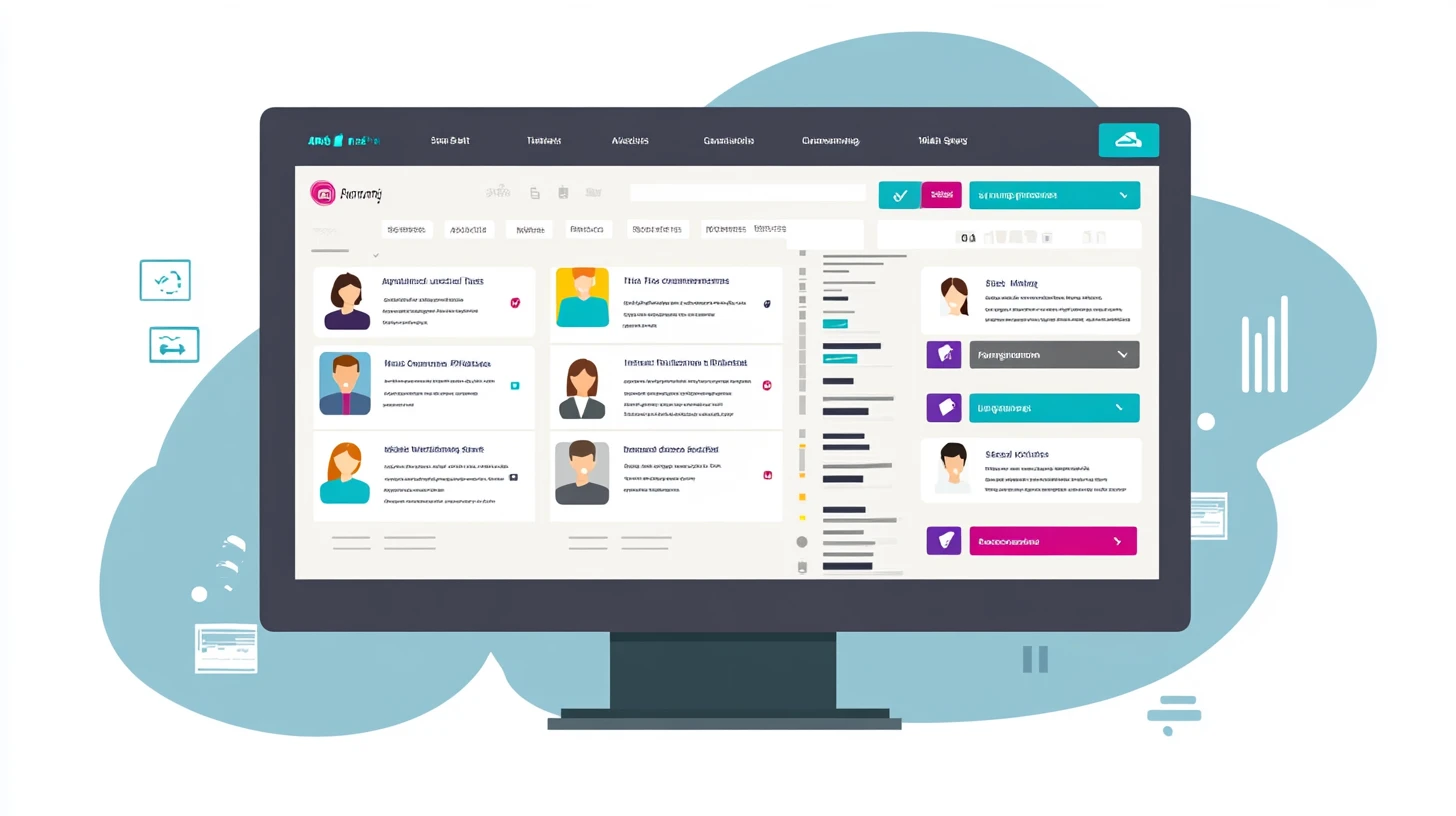
WPF is the solution for those who want to dominate modern desktop development. It's not just a framework. It's a tool designed to offer absolute control over interfaces, performance and functionality.
Based on XAML and backed by DirectX, WPF separates business logic from design, accelerating development and making every application more maintainable and scalable.
| Component | Description |
|---|---|
| Advanced user interfaces | WPF lets you create modern designs, with vector graphics and sophisticated animations that capture attention. |
| Dynamic visualizations | Dashboards and interactive charts update in real time, providing users with immediate information. |
| MVVM architecture | The Model-View-ViewModel implementation guarantees clean, organized and scalable code. |
| Multimedia integration | WPF natively integrates images, video and audio, with elegant effects and transitions. |
With DirectX support, WPF ensures fast rendering and high performance, even for the most graphically intensive applications.
WPF is the choice for enterprise software, creative tools and analytical dashboards.
What you can develop with WPF: bring your most ambitious desktop solutions to life
WPF offers extraordinary versatility, making it perfect for a wide range of projects.
| Application type | Description |
|---|---|
| Enterprise management | Inventory management, billing, logistics systems with complex and functional interfaces. The vector graphics and DirectX rendering offer uncompromised performance. |
| Dashboards and data analysis | Transform complex numbers and data into interactive charts and intuitive reports, updated in real time. |
| Multimedia applications | Develop software capable of managing video, audio and images with modern visual effects and smooth multimedia experiences. |
| Automation and IoT | Control intelligent devices and automated processes with effective interfaces for monitoring and managing complex systems. |
The integration with DirectX guarantees impeccable performance, while XAML puts full design control in your hands.
If you want to develop applications that leave their mark and position you as a leader, WPF is the right choice.
Why choose WPF: advantages and opportunities that make the difference

WPF is not just a framework: it's the definitive solution for those who want to dominate desktop development. It combines power, flexibility and total control over the user interface.
Advanced graphics, WPF leverages DirectX to offer powerful and fluid graphical rendering. With vector graphics, integrated animations and advanced effects, every interface becomes dynamic and reactive.
Developer productivity, WPF optimizes the development process thanks to the separation between XAML and application logic in C#. Less effort, better results.
Unlimited customization, Every interface element can be customized down to the smallest detail thanks to styles, themes and flexible layouts.
Integration with the Microsoft ecosystem, WPF integrates perfectly with tools like Visual Studio and cloud platforms like Azure.
Transform every challenge into a springboard for your career, thanks to the WPF course.
In a few days you'll acquire skills that will allow you to create modern, effective and professional applications.
How to get started with WPF: tools and winning strategies
To work with WPF effectively, you need the right tools.
| Tool | Description |
|---|---|
| Visual Studio | The best integrated development environment (IDE) for designing, testing and distributing WPF applications. |
| Blend for Visual Studio | The perfect tool for creating sophisticated user interfaces with XAML and advanced animations. |
| Frameworks and libraries | Libraries like Prism and MVVM Light simplify the implementation of the MVVM pattern. |
WPF: a choice for the present and the future
Despite the advent of .NET MAUI, WPF remains an irreplaceable technology for desktop development on Windows.
Its stability and reliability make it ideal for computation-intensive applications with high graphical and performance requirements.
With the WPF course, you'll learn to reduce development times, optimize maintenance costs and enhance every project with modern and high-performance interfaces.
Developing with WPF means investing in the present, with a view toward the future.
Do you want to master WPF?
Take your desktop development to the next level
With our WPF course, you'll have a personalized path, 1-on-1 mentoring and concrete results on your desktop applications.
Frequently asked questions
WPF (Windows Presentation Foundation) è un framework Microsoft per creare applicazioni desktop Windows con interfacce grafiche avanzate, grafica vettoriale, animazioni e data binding tramite XAML.
Sì, WPF è supportato da Microsoft come parte di .NET e riceve aggiornamenti regolari. Rimane la scelta principale per applicazioni desktop Windows con esigenze grafiche avanzate.
.NET MAUI è cross-platform (Windows, macOS, iOS, Android) mentre WPF è specifico per Windows. WPF offre funzionalità grafiche più avanzate con DirectX, ideale per applicazioni desktop complesse.
MVVM (Model-View-ViewModel) è il pattern architetturale consigliato per WPF. Separa logica di business, presentazione e dati, rendendo il codice più pulito, testabile e manutenibile.
Il modo migliore è seguire un percorso strutturato con progetti pratici. Il nostro corso WPF ti guida dalle basi fino alle architetture avanzate con mentoring personalizzato.