

Windows desktop application development it has spanned several technological eras, from the raw simplicity of Win32 to the intuitiveness of Windows Forms.
Windows Presentation Foundation (WPF) marked a decisive turning point in this evolution, introducing a radically new approach to building user interfaces, maintaining a leading position for creating robust and scalable desktop applications.
Despite the advent of web and cross-platform technologies, WPF continues to excel in sectors such as finance, healthcare and industrial automation, where companies need native Windows applications with high performance and sophisticated user interfaces.
WPF's true potential comes into play when paired with the Model-View-ViewModel (MVVM) architectural pattern, which is its natural complement, providing an elegant, maintainable architecture for separating responsibilities within your application.
This synergy is not accidental: MVVM was born in Microsoft's WPF development teams, designed to make the most of features such as data binding and dependency properties.
Applications built on these pillars can evolve organically, welcoming new features without accumulation technical debt.
However, their combined power often remains untapped due to suboptimal implementation approaches or a superficial understanding of fundamental principles.
But this power comes at a cost: the learning curve is steep and the fundamental concepts require a significant change of mentality for developers accustomed to more traditional paradigms, but we will talk more about this aspect later.
The errors we will analyze are not simple technical oversights, but often they reflect an incomplete understanding of the design philosophies underlying WPF and MVVM.
Mistake #1: Treating WPF as if it were Windows Forms

Migrating from Windows Forms to WPF represents a conceptual revolution in the landscape of modern desktop development.
Abandon the familiar event-driven model requires a profound mental reorientation, where every consolidated pattern must be reconsidered in the light of a new declarative paradigm.
Developers are faced with the challenge of rethink application architecture, moving from an event-based procedural approach to a more sophisticated one based on data binding and MVVM.
This transition isn't just about learning new APIs or controls, it involves a complete reengineering of the development process.
The key to success lies in breaking free from the conventions of Windows Forms to fully embrace the modern philosophy of WPF, where the separation between presentation and logic it becomes the foundation of a more maintainable and scalable architecture.
The transition from Windows Forms: a paradigm shift

One of the most significant obstacles in successfully adopting WPF is the mindset inherited from Windows Forms: requires a profound transformation in everyday development practices.
Developers with a Windows Forms background often replicate the code-behind pattern, handling events, manually updating UI controls, and maintaining app state directly in the window class, thus losing the benefits of the MVVM architecture offered by WPF.
While in Windows Forms the developer thinks in terms of controls and events, WPF introduces a declarative model where the user interface is a visual representation of an application state.
Let's take the example of a typical data entry form.
In Windows Forms, a developer would write dozens of event handlers to validate input, enable/disable buttons, and update other controls.
This "imperative" approach creates a dense network of dependencies that are difficult to manage as the application grows, leading to code difficult to test and maintain.
WPF revolutionizes the traditional approach by introducing a bidirectional data flow between interface and application logic, reducing the role of code-behind to tasks strictly related to vision that cannot be managed via data binding.
Validation becomes an aspect of the data model, not an event to be managed.
Enabling controls automatically responds to state changes instead of requiring explicit code.
The transition also requires a rethink of development tools.
This evolution requires courage and vision, but results they amply repay the initial investment.
Those who master WPF not only improve the quality of their code, but position themselves at the forefront of technological innovation.
Do you want to be a pioneer in your field?
Leave your details today and we'll show you how to transition to WPF and MVVM.
Join us to turn challenges into opportunities and discover your true potential.
Click here to start your journey to excellence!
Optimize resource management with WPF and MVVM

Visual Studio offers a WYSIWYG (What You See Is What You Get) designer for Windows Forms that encourages direct manipulation of controls and becomes secondary to the XAML editor, where the UI is defined declaratively through a hierarchy of elements and properties.
The more subtle challenge concerns resource management.
Windows Forms is about each control as an isolated object with its properties.
WPF instead introduces a hierarchical resource system where styles, templates and behaviors can be defined at the application level and inherited or overridden locally.
All the business logic should reside in the ViewModel that exposes properties and commands that the View can use through the binding mechanism, which acts as an intermediary between the View and the Model, maintaining, however, a clear separation of responsibilities.
This allows you to customize the interface while maintaining global consistency.
You've discovered how crucial it is to break old habits to take full advantage of WPF.
Mistake #2: Ignoring data binding or using it incorrectly

Data binding in WPF it goes far beyond simple synchronization between interface and data.
It represents a fundamental paradigm that requires in-depth understanding to be exploited to its full potential.
Many developers limit themselves to using only the basic functionality, missing the opportunity to implement advanced patterns that could significantly simplify the architecture of their applications.
From collection management to asynchronous validation, from performance optimizations to dynamic localization, the binding system offers a complete ecosystem of solutions for every development need.
The key is to understand not only the technical mechanisms, but also the resulting architectural patterns, avoiding common pitfalls that can compromise the maintainability and performance of the application.
The art of Data Binding

Data binding represents the beating heart of WPF and MVVM: simplifies management of application state and synchronization between UI and data, offering advanced features that enhance the concept of bidirectional data flow.
Binding modes are just the tip of the iceberg.
WPF supports sophisticated scenarios such as multivalue binding with custom converters, allowing complex data transformations before viewing.
A practical example is the combination of multiple fields to generate a single aggregate view, as in the contact list where name, surname and title merge into a single greeting string.
Correct implementation of the INotifyPropertyChanged interface is critical for two-way binding to work and allows the ViewModel to automatically notify the View when the data changes.
Every property that needs to participate in binding must implement this notification, otherwise the UI will not update in response to data changes: a common mistake is to forget to implement it or implement it incompletely.
Data Binding Optimization Techniques in WPF

Many developers also make serious mistakes when dealing with the complexity of collection management.
ObservableCollection is not the only answer: CollectionView offers sorting functionality, filtering and dynamic grouping without changing the underlying data.
This allows you to present the same collection in different ways in different parts of the application, maintaining automatic synchronization.
The binding also supports validation state propagation through the IDataErrorInfo interface and the newer INotifyDataErrorInfo.
The latter allows the asynchronous validation, essential for checks that require calls to the database or external services.
An often overlooked aspect is optimizing binding performance.
Proper use of PriorityBinding can significantly improve the responsiveness of the interface, allowing you to load heavy data in the background while immediately showing a placeholder.
DelayBinding reduces load on the UI thread during rapid input, while UpdateSourceTrigger precisely controls when data is synchronized.
For multilingual applications, binding integrates seamlessly with WPF's localization system.
Localized resources can be dynamically attached to the interface, allowing runtime language switching without restarting the application.
Additionally, many developers overlook the importance of the correct binding mode (OneWay, TwoWay, OneTime) and do not adequately handle input validation and error handling in binding.
Its expressiveness also extends to animations and state transitions.
Binding markup extensions allow you to define complex relationships between properties, creating dynamic interfaces that react fluidly to state changes without requiring procedural code.
Mistake #3: Lack of knowledge about Dependency Properties

The Dependency Properties represent an architectural innovation that revolutionizes the way you manage properties in WPF applications.
Many developers underestimate their importance, simply using them as replacements for traditional CLR properties.
In fact, they constitute a sophisticated management system of the state that goes far beyond the simple storage of values.
Their unique architecture combines resource optimization, intelligent propagation of changes and contextual resolution of values, offering possibilities that traditional properties could never achieve.
Thoroughly understanding how they work is not just a technical requirement, but a strategic key to developing high-performance and scalable WPF applications.
Their impact extends frommemory efficiency up to the flexibility of the user interface.
Dependency Properties: The foundation of flexibility

After exploring data binding and its power inorchestrate the flow of data, it is essential to understand the underlying mechanism that makes this magic possible: dependency properties.
Imagine a system where each property is a node in a digital neural network, capable of propagate changes and react to stimuli intelligently.
Dependency properties embody exactly this concept, overcoming the limitations of traditional CLR properties through a dynamic and contextual value resolution system.
The real revolution lies in theirs priority resolution engine.
When WPF needs to determine the value of a dependency property, it consults a sophisticated chain of providers: local values, trigger styles, templates, logical and visual inheritance, up to the default values.
This mechanism allows advanced scenarios such as contextual overriding of properties based on application states or runtime conditions.
Memory management represents another innovative aspect.
Unlike traditional properties that allocate memory for each instance, dependency properties implement a pooling system intelligent.
A control with hundreds of unused properties has a minimal memory footprint, since only the properties that are actually changed take up space.
In this landscape of possibilities, mastering Dependency Properties becomes the key to unlocking the full potential of WPF applications.
Their sophisticated nature opens up previously unthinkable development scenarios, transforming every challenge into an opportunity for innovation.
Don't let complexity stop you!
Enter your details and discover how to transform Dependency Properties from a challenge to an unbeatable resource.
We are ready to help you unlock the full hidden potential of your application.
Start now and make a difference!
Advanced features of Dependency Properties in WPF

Integration with the WPF animation system reveals another dimension of dependency properties.
They can be animated not only through traditional storyboards, but also through behaviors that dynamically modify their values in response to events or system conditions, creating fluid and responsive interfaces.
An often overlooked aspect is their role in data validation.
Dependency properties support coercion callbacks that allow you to implement complex constraints between related properties.
For example, in a scheduling control, the end date can automatically adjust when the start date is changed, keeping the duration of the event unchanged.
The system also supports property composition through property value precedence levels.
This allows you to build complex behaviors combining multiple modifiers, such as conditional styles and multiple triggers, while maintaining precise control over how different layers interact with each other.
The real power emerges when dependency properties are used to create attached properties, allowing you to extend the behavior of existing controls without modifying the code.
This feature is fundamental for the implementation of advanced patterns such as commanding behavior or cross-control validation.
In the context of localization, dependency properties particularly shine.
Their value resolution system integrates perfectly with the resource key mechanism, allowing you to change not only the text but also the layout, styles and behaviors based on the current culture.
The flexibility of dependency properties extends to support for custom value serializers, allowing you to define custom formats for XAML serialization and enabling advanced persistence and user interface configuration scenarios.
Mistake #4: Designing rigid, non-reusable views

Modularity in WPF represents a paradigm shift fundamental in the development of modern desktop applications.
Far beyond simple code reuse, it introduces a composable architecture where each interface element becomes an autonomous and reconfigurable brick.
This advanced approach to structuring applications allows you to build scalable systems where complexity is managed through intelligent composition of independent components.
The strategic use of templating, regions, and lightweight shells transforms traditional monolithic development into a flexible ecosystem of interconnected modules.
The true power of this architecture emerges in the ability to evolve and maintain applications complex over time, allowing gradual updates and isolated testing of individual components.
Mastering these concepts becomes crucial to building modern and maintainable enterprise applications.
Modular and reusable architecture

The modular architecture in WPF transcends the simple concept of code reuse, introducing a visual composition paradigm that takes full advantage of dependency properties and data binding already discussed.
The concept of Advanced Visual Composition (CVA) is based on three fundamental pillars:
- Hierarchical templating: visual models that can contain other models, creating complex but maintainable structures
- Composable behaviors: UI logic modules that can be assembled and reconfigured
- Independent visual states: Multiple representations of the same component managed through VisualStateManager
The approach to navigation in a modular application introduces the concept of "regions", areas of the interface that they can dynamically host different contents.
Unlike the traditional page-based approach, regions allow the composition of complex views through the aggregation of independent components, each with its own lifecycle and state.
The Shell pattern represents an evolution of this concept: instead of a single main window, the application consists of a lightweight Shell that orchestrates independent modules.
These modules can be dynamically loaded, tested in isolation, and even deployed separately, enabling partial application update scenarios.
Advanced implementation of modularity in WPF

Modularity also extends to the services layer through the composite Service Locator pattern: each module can register its own services and discover those offered by other modules, creating an extensible ecosystem of functionality.
This allows you to implement cross-cutting features such as logging or caching transparently to application modules.
The strategic use of ContentPresenter and ContentControl creates a system of "slots" in the interface, where different modules can inject your own views based on predefined contracts.
This mechanism, combined with a centralized DataTemplate registry, allows for change the appearance of the application without touching the business logic.
The Composite Command pattern extends the concept of command beyond the boundaries of individual modules: global commands can be implemented by multiple modules simultaneously, creating distributed but coherent workflows.
For example, a "Save" command can trigger persistence operations in all active modules.
Intelligent template caching and lazy module loading represent the final piece of the modular architecture, ensuring optimal performance even in large applications.
The modules come loaded only when necessary, while the caching system keeps in memory only the actively used templates.
Mistake #5: Not taking advantage of styles and themes

The style and theme system in WPF offers a level of customization and flexibility that goes beyond simple definition of visual properties.
This layered architecture allows you to build dynamic and adaptive interfaces across the composition of atomic and reusable styles.
The concept of multiple style inheritance, combined with merged dictionaries, creates a powerful and maintainable theming system, where thematic variations can be implemented with minimal changes.
Deep integration with dependency properties allows you to create responsive themes that adapt automatically to the context of use, system conditions and business rules.
This flexibility extends to performance and accessibility management, making the theming system a strategic element in architecture of modern WPF applications.
The ability to deploy themes as independent packages opens up new possibilities for evolving and maintaining user interfaces.
Effective management of styles and themes

Style management in WPF goes beyond simply defining visual attributes, introducing a layered theming system which integrates deeply with the modular architecture and dependency properties discussed above.
The key innovation lies in the concept of "Theme Composition": instead of defining monolithic styles, WPF allows you to build themes through composition of atomic styles.
Each atomic style focuses on a single aspect of the interface: typography (the fonts, their size, leading, alignment and other things that can affect the presentation of the text), colors, shapes, animations and can be combined dynamically with others to create the final look.
The "Theme Inheritance Chain" represents a departure from traditional systems.
Styles can inherit not only vertically (base - derived) but also horizontally through merged dictionaries.
This allows you to implement thematic variants (dark/light mode, high contrast) while maintaining a common basis and overwriting only the necessary elements.
The real power emerges with the "Dynamic Theme Adapters": components that they change the appearance of the interface based on system conditions or business rules.
For example, a financial application can visually highlight critical elements during trading hours, then reverting to a more sober style.
Optimization of the style system in WPF and MVVM

The system also supports "Contextual Styling": styles can automatically adapt to the context in which they are applied.
A button can automatically take on different visual variations if inserted in a toolbar, a menu or a form, while still maintaining coherence with the global theme.
Integration with the WPF resource system introduces the concept of "Resource Fallback": when a stylistic resource is not available in the current context, the system can automatically degrade to alternative variants predefined, ensuring that the interface always remains functional and aesthetically consistent.
"Theme Profiling" represents an innovation in performance management: the system can track usage of styles and preload only frequently used ones, keeping the others in a dormant state until needed.
This optimizes memory use without sacrificing the flexibility of the theming system.
The modularity of the system extends up to the "Theme Package Management": the themes can be distributed as independent packages, allowing updates to the visual appearance without changing the application logic.
This is particularly useful for enterprise applications where the visual identity can evolve over time.
The "Accessibility Themes" are no longer a fake addition but integral part of the system: High-contrast or color-blind variants are automatically generated from the base theme, ensuring that all customizations meet accessibility guidelines.
Mistake #6: Abusing events in application logic
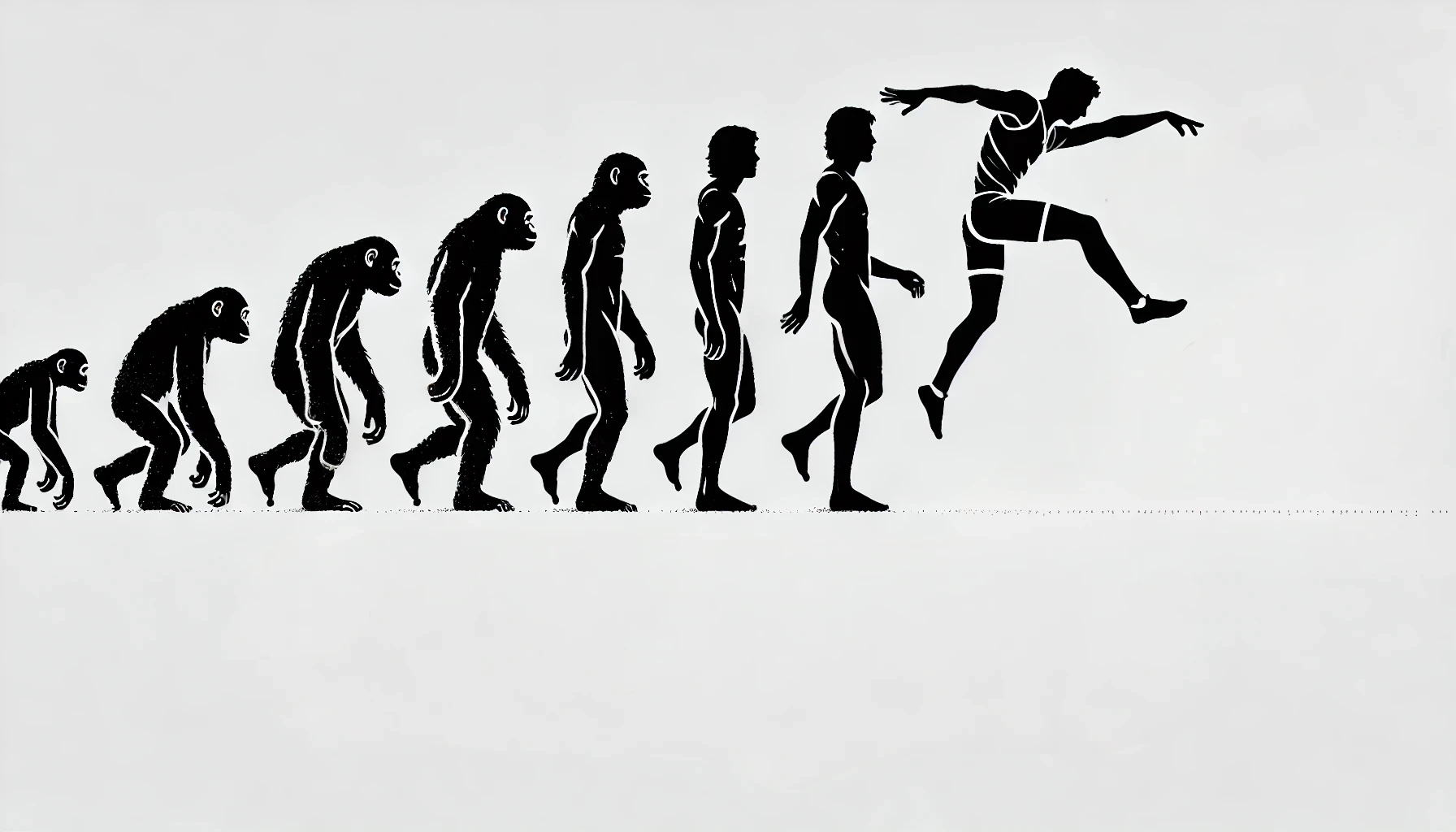
The commands represent a fundamental evolutionary leap compared to the traditional event-based model, introducing an abstraction that raises the quality and maintainability of the code.
This sophisticated system goes beyond simple user action management, offering a comprehensive framework for the implementation of complex business logic.
Through patterns such as Command Pipeline, Mediator and Aggregator, it is possible to build complex workflows while maintaining the clean and testable code.
The management of the state of the commands, their composition and the integration with the MVVM architecture create a robust ecosystem where every action can be plotted, validated and orchestrated declaratively.
This high-level abstraction allows you to implement advanced functionality such as hierarchical cancellation and asynchronous execution, always maintaining user interface consistency.
Commands vs events

Commands in WPF represent the evolution of the event model, offering a higher-level abstraction that integrates naturally with the MVVM architecture and binding system.
The "Command Pipeline" introduces an innovative concept: the execution flow of a command can be intercepted and modified at various points.
Command Filters allow you to implement pre- and post-processing logic, such as >parameter validation or transaction management, keeping the command itself focused on its core responsibility.
Command management through the "Command Mediator" allows you to implement complex workflows: a single user command can activate a chain of operations related, managed declaratively through the binding system.
For example, in a CAD application, the "Duplicate" command might automatically trigger the "Move" command after the copy is created.
The "Command Aggregator" pattern introduces a higher level of abstraction: atomic commands can be composed into macro-commands that implement complex operations.
This composition natively supports hierarchical undoing: cancel a redo macro-command the status of all subcommands correctly.
Optimization of the command system mechanisms in WPF

Command state management becomes dynamic through the "Command State Manager": the activation/deactivation conditions can depend not only on the state of the application but also by the execution context, such as user permissions or network status.
Instruction synchronization in multi-threaded scenarios is handled through the "Command Dispatcher": commands can be executed asynchronously maintaining UI consistency.
The dispatcher automatically manages the queue execution and their prioritization.
"Routed Commands" extend the concept of command bubbling: a command can propagate through the view tree looking for the most appropriate handler, similar to tunneling/bubbling events but with a more structured programming model.
The "Command Telemetry" allows you to monitor the use of instructions in production: each execution can be traced with its context, allowing in-depth analyzes of user behavior and targeted interface optimizations.
Mistake #7: Not adopting MVVM frameworks

MVVM frameworks are essential tools in WPF development that require thoughtful choice.
Adopting an existing framework or developing a proprietary one significantly impacts the efficiency of the team and the quality of the software.
The current ecosystem delivers diversified solutions: from frameworks complete enterprise tools like Prism, ideal for complex and scalable applications, to lightweight toolkits like MVVMLight, perfect for smaller projects.
The emerging trend of "Progressive MVVM" proposes a evolutionary approach: We start with minimal implementations and then integrate existing framework modules as needed.
This strategy allows you to maintain control over the architecture without sacrificing development speed.
The choice of framework must consider factors such as maturity of the solution, interoperability with other components, the team's learning curve, and the specific needs of the project.
An accurate analysis of these elements is essential to avoid architectural limitations and future maintainability issues.
MVVM Framework: Make or Buy?

The choice between develop a proprietary MVVM framework or adopting an existing solution goes beyond the classic build vs buy debate.
In the context of WPF, this decision profoundly influences architecture of the application and the productivity of the team.
The MVVM framework ecosystem it has evolved in several directions specialized:
- Enterprise-grade framework (services or solutions designed to meet the high standards required by companies) like Prism offer complete solutions for modularization and scalability;
- Lightweight toolkiti like MVVMLight focus on simplicity and low learning curve;
- Specialized frameworks like Caliburn.Micro they excel in specific scenarios such as naming conventions;
- Modern solutions like Microsoft.Toolkit.Mvvm (CommunityToolkit) integrate asynchronous patterns and modern .NET functionality.
The concept of “Progressive MVVM” is emerging as a hybrid approach: starting with a minimal implementation, progressively integrating it with existing framework modules when necessary.
This allows you to balance control and speed of development, maintaining the flexibility to evolve the architecture.
Specialized framework considerations in WPF and MVVM

Modern frameworks introduce the concept of "Selective Features": Instead of imposing a complete architecture, they allow you to adopt only the necessary components.
An application could use Prism's navigation system while maintaining proprietary command management.
The aspect of "Framework Interoperability" is essential: Mature frameworks offer extension and bridge mechanisms that allow you to integrate components from different sources.
A message sent through one framework's event system can be intercepted and translated for another:
- The "Migration Path Framework" represents a fundamental choice criterion: some frameworks offer tools and patterns for facilitate gradual migration from legacy implementations or other frameworks, allowing you to modernize your code without complete rewrites.
- The "Framework Compliance" with corporate standards is another factor: enterprise frameworks often include features for centralized logging, telemetry and integration with monitoring systems, essential in corporate environments.
- The "Framework Ecosystem" must be considered in its entirety: the availability of extensions, development tools, ready-to-use snippets and an active community can significantly accelerate development more than the framework itself.
Mistake #8: Ignoring responsive design in WPF

Responsive design in WPF is an essential component for developing modern interfaces that they adapt dynamically to different contexts of use.
Although WPF offers a flexible layout system, many developers do not take full advantage of its potential. limiting the effectiveness of their applications.
Optimal implementation requires not only mastery of basic layout mechanics, but also the adoption of advanced layout strategies intelligent space management, performance optimization and multi-context adaptability.
From selective virtualization to pre-rendering, from multi-monitor management to contextual style transformation, WPF provides a rich set of tools to create responsive and high-performance interfaces.
The challenge lies in balance these elements correctly to achieve applications that seamlessly adapt to any use scenario, maintaining optimal performance and a consistent user experience.
Responsive design in WPF
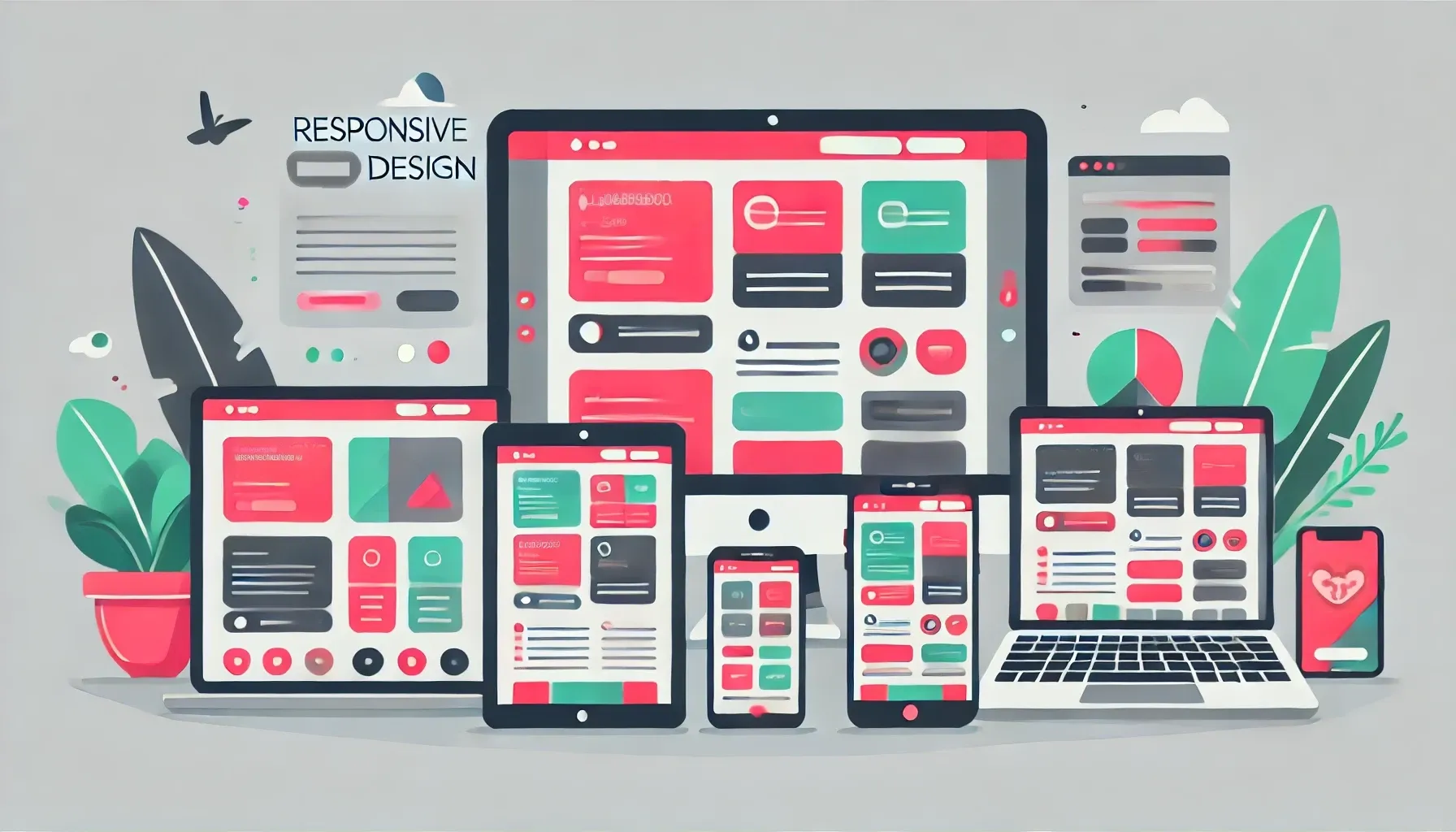
Responsive design in WPF is a key aspect to create adaptive and performant user interfaces.
Although WPF offers a flexible layout system, many developers tend to underestimate the potential and challenges this entails.
Effective implementation of responsive design requires a deep understanding of not only the basic layout mechanics, but also the advanced space management strategies, performance and multi-context adaptability.
Particular attention must be paid to the intelligent management of resources anduser experience optimization in diversified scenarios, from single monitor viewing to more complex multi-display configurations.
To avoid this common mistake, it is essential to consider the following key aspects of responsive design in WPF:
Intelligent layout adaptation system (Layout Awareness System): The layout system in WPF provides basic mechanisms for dynamically positioning and resizing interface elements.
To optimize performance and adaptability, you can extend these basic capabilities by implementing a custom layout awareness system that monitors available hardware resources and adapts rendering complexity accordingly.
This additional level of management allows you to implement strategies such as selective virtualization of less used areas and rendering optimization in the areas of greatest interaction.
The implementation of these advanced strategies requires explicit management through custom code or the use of specialized frameworks.
Intelligent space management (Intelligent Space Management): intelligent space management represents an evolutionary leap compared to traditional responsive layouts.
The system can automatically identify less relevant sections of the interface and collapse or hide them when space is scarce, keeping key functionality always accessible.
Continuous usage analysis allows content to be reorganized by placing the most used elements in the foreground, while a sophisticated prediction system anticipates potential space problems before they impact the user experience.
Advanced multi-monitor management (Multi-Monitor Orchestration): While basic multi-monitor support is handled by the operating system, WPF provides APIs that allow you to interact with this functionality.
To implement advanced content management on multiple screens it is necessary to develop custom logic or use specialized frameworks.
Through these additional implementations, it is possible to create systems that coordinate content distribution based on the specific characteristics of each display and consistently manage the interface state between different monitors.
Focus management and state synchronization require careful design that takes into account the inherent limitations of the underlying operating system.
Performance-based layout strategy (Performance-Driven Layout Strategy): Performance optimization strategies in WPF require a careful balance between reactivity and resource consumption.
The system supports interface virtualization based on scrolling patterns, effectively reducing memory consumption for lists and controls with many elements.
While techniques such as pre-rendering can improve perceived responsiveness by earlier loading of views, they require careful implementation to avoid excessive memory and CPU consumption.
The decomposition of complex layouts must be designed considering the trade-off between virtualization granularity and resource management overhead.
Adaptive layout engine (Context-Aware Layout Engine): The contextual layout engine continuously analyzes the operating environment to offer the most appropriate interface.
This includes automatic adaptation based on the primary input device used, changing the size and spacing of interactive elements.
The system also considers the specific context of use, such as a control room or an information kiosk, adapting the interface to ensure maximum usability in each scenario.
Reactive transformation of the Responsive style (Style Transformation): Responsive style transformation represents a holistic approach to interface adaptability.
The system can automatically change not only the size but also the contrast and the legibility of elements based on environmental conditions.
Transitions between different visual states are handled with smooth animations that keep the user oriented, while color optimization ensures maximum visibility in any lighting condition.
This rich range of features makes the responsive design in WPF a powerful tool to create modern and adaptive interfaces.
Mastering these techniques is not just a technical advantage, but a necessity for those who want to excel in professional application development.
Be the protagonist of innovation!
Fill out the form below to find out how to make your applications not only beautiful, but also extraordinarily performing on any device.
Don't wait: the future of responsive design is at hand.
Mistake #9: Neglecting MVVM interface tests

Responsive design in WPF is a crucial element often overlooked by developers, despite the framework offering powerful tools for creating adaptive interfaces.
Effective implementation requires a deep understanding of not only the basic mechanics of layout, but also advanced strategies for managing it space, performance and adaptability.
The challenge includes the intelligent resource management and optimizing the user experience in different scenarios, from single monitor to multi-display configurations.
The modern approach to responsive design in WPF goes beyond simply resizing elements, embracing innovative concepts like the Layout Awareness System for monitoring hardware resources.
It also includes Intelligent Space Management for dynamic reorganization of contents and sophisticated strategies for multi-monitor orchestration.
These techniques, combined with high-performance layout management and contextual style transformations, are fundamental to develop professional applications that adapt effectively for any context of use.
Unit testing in MVVM: A systematic approach

Testing of interfaces based on the MVVM pattern represents a complex challenge that goes far beyond simple functional verification.
The separation of responsibilities, although one of the main advantages of this pattern, requires a deep understanding of interactions between the different architectural layers.
In fact, each testable component represents a specific behavioral contract that must be verified both in isolation and in the context of its interactions with the other components.
Effective testing must consider multiple critical aspects: from state management to event propagation, from data synchronization to user interface performance.
Just one Systematic approach can ensure robustness of the application in real use scenarios, while the lack of a complete testing strategy risks seriously compromising the reliability and maintainability of the software.
To implement effective test coverage in an MVVM architecture, the following critical aspects must be considered:
The command preprocessing chain: Verifies that each middleware in the preprocessing chain correctly modifies the command and its context.
It is essential to test the order of execution and the impact of each transformation on the final result.
The contextual activation conditions: Tests that commands activate and deactivate correctly based on business conditions and application state.
It also checks for propagation of the focus state across compound commands.
State management during asynchronous execution: Ensures that the application state remains consistent during asynchronous command execution.
Verify race condition management and correct serialization of operations when necessary.
Recovery of the state in case of failure: Checks that the system correctly restores the previous state in case of errors during command execution.
Also tests resource management and temporary state cleanup.
The propagation of change notifications: Verifies that state changes generated by commands are correctly propagated through the binding system.
Also controls notification handling in nested command scenarios.
Binding testing requires particular attention to thread synchronization:
Proper update propagation in multi-threaded scenarios: Verifies that data changes are correctly synchronized between different threads, maintaining UI consistency.
Also test update queue management and notification prioritization.
Binding behavior under stress conditions: Simulate high load scenarios with many concurrent updates to test the stability of the binding system.
Control memory management and performance under extreme conditions.
The efficiency of throttling and debouncing strategies: Verify that throttling and debouncing mechanisms effectively limit the number of updates while preserving interface responsiveness.
Also test the impact on overall performance.
- Memory management in case of circular bindings: Checks that memory leaks do not occur in the presence of circular bindings and that resources are properly released when bindings are removed.
Merged resource dictionary testing checks:
The correct resolution of resources: Ensures that resources are resolved correctly across the dictionary chain, respecting priorities and overrides.
Also checks the handling of dynamic resources and duplicate keys.
Behavior with missing resources: Tests system resilience when resources are unavailable or invalid.
Verify that appropriate fallbacks are used and that errors are handled gracefully.
The impact of runtime changes: Checks that dynamic changes to resources propagate correctly through the application.
Also checks cache management and resource invalidation.
- The management of cultures: tests the behavior of the system during the culture change, verifying the correct replacement of localized resources and the maintenance of visual consistency.
For visual state transitions, you need to check:
The sequence of states during transitions: Checks that visual states follow each other in the correct order during complex transitions.
Also check the management of intermediate states and animations.
Behavior during interruptions: Tests system resilience when transitions are interrupted or canceled.
Verifies the restoration of the previous state and the cleaning of resources.
Resource management: Check that resources are allocated and deallocated correctly during frequent state changes.
Also check the impact on memory and performance.
- The states-logic interaction: Verify that business logic remains consistent across state transitions and that events are handled correctly in each state.
Modularity testing focuses on:
The isolation of the modules: Verifies that each module works correctly in isolation and that its dependencies are correctly resolved.
Also test the handling of loading errors.
- Managing circular dependencies: Checks that the system correctly handles circular dependencies between modules, avoiding deadlocks and ensuring a stable load order.
Parallel loading: Test performance and stability when loading multiple modules simultaneously.
Test shared resource management and synchronization.
Cleaning resources: Checks that all resources are properly released when a module is unloaded.
Also check memory management and event handlers.
Composition tests verify:
- The integration between components: ensures that components coming from different modules integrate correctly, maintaining their functionality and respecting interface contracts.
- Dynamic recomposition: Tests system behavior during dynamic interface reorganization.
Verify state persistence and continuity of operations. - Migration of components: Checks that components maintain their state and connections when moved between different regions of the interface.
The relationships between components: Verifies that relationships and dependencies between components remain valid during recomposition operations.
Also tests cross-component event handling.
Performance optimization testing verifies:
Virtualization strategies: Checks the effectiveness of virtualization techniques in reducing memory consumption while maintaining interface fluidity.
Also check the behavior during fast scrolling.
Template caching: Test the efficiency of the template caching system in heavy usage scenarios.
Test memory management and cache invalidation strategies.
The impact of lazy loading: Check that lazy loading of components does not compromise the responsiveness of the interface.
Also check the management of loading priorities.
- Management of massive updates: Tests performance during bulk update operations, verifying efficient memory management and minimization of reflow.
Finally, the recovery tests verify:
Post-crash recovery: Ensures that the system correctly restores the application state after unexpected interruptions.
Also check the handling of unsaved data.
Corruption management: Tests system resilience in the presence of corrupt or inconsistent states.
Check recovery strategies and protection of critical data.
Transaction recovery: Check that the system correctly handles the recovery of aborted transactions.
Analyze data consistency and rollback when necessary.
- The persistence of the state: Tests the reliability of the state persistence system, verifying correct serialization/deserialization and I/O error handling.
The Power of WPF and MVVM and the Importance of Acting Now

WPF and MVVM are a formidable combination for the development of modern desktop applications, providing the foundation for creating robust, scalable and maintainable solutions.
Success in this area requires not only mastery of fundamental concepts, but also a constant commitment to updating skills and adopting emerging best practices.
The continuous evolution of the sector requires a proactive approach: understanding is not enough the power of these tools, it is necessary to act to exploit their full potential.
Developers who accept this challenge, overcoming technical complexities and common errors, they can elevate their work to levels of excellence, anticipating the needs of an ever-changing enterprise market.
Time is a critical factor on this path of professional evolution: every moment of hesitation represents a missed opportunity to innovate and grow.
Technical skills must be accompanied by the courage to innovate and the determination to transform challenges into opportunities.
You've come to the end of this guide, with all the knowledge you need to transform your approach to development with WPF and MVVM.
It's time to become protagonists of change, taking advantage of the synergy between WPF and MVVM to create cutting-edge solutions that define the future of desktop development.
Now is the time to act.
Don't let time play against you.
Every success comes from a courageous choice, and this is your chance to transform the way you develop applications, elevating your work to new levels of excellence.
Don't just be a spectator: become a protagonist.
Leave your details now and let us guide you into the future of desktop development.
With our support, you will discover how to turn ideas into reality and dominate a constantly evolving market.
Are you ready?
Take the first step.
Your new life starts here, with a few simple clicks.
Act now!
Leave your details in the form below