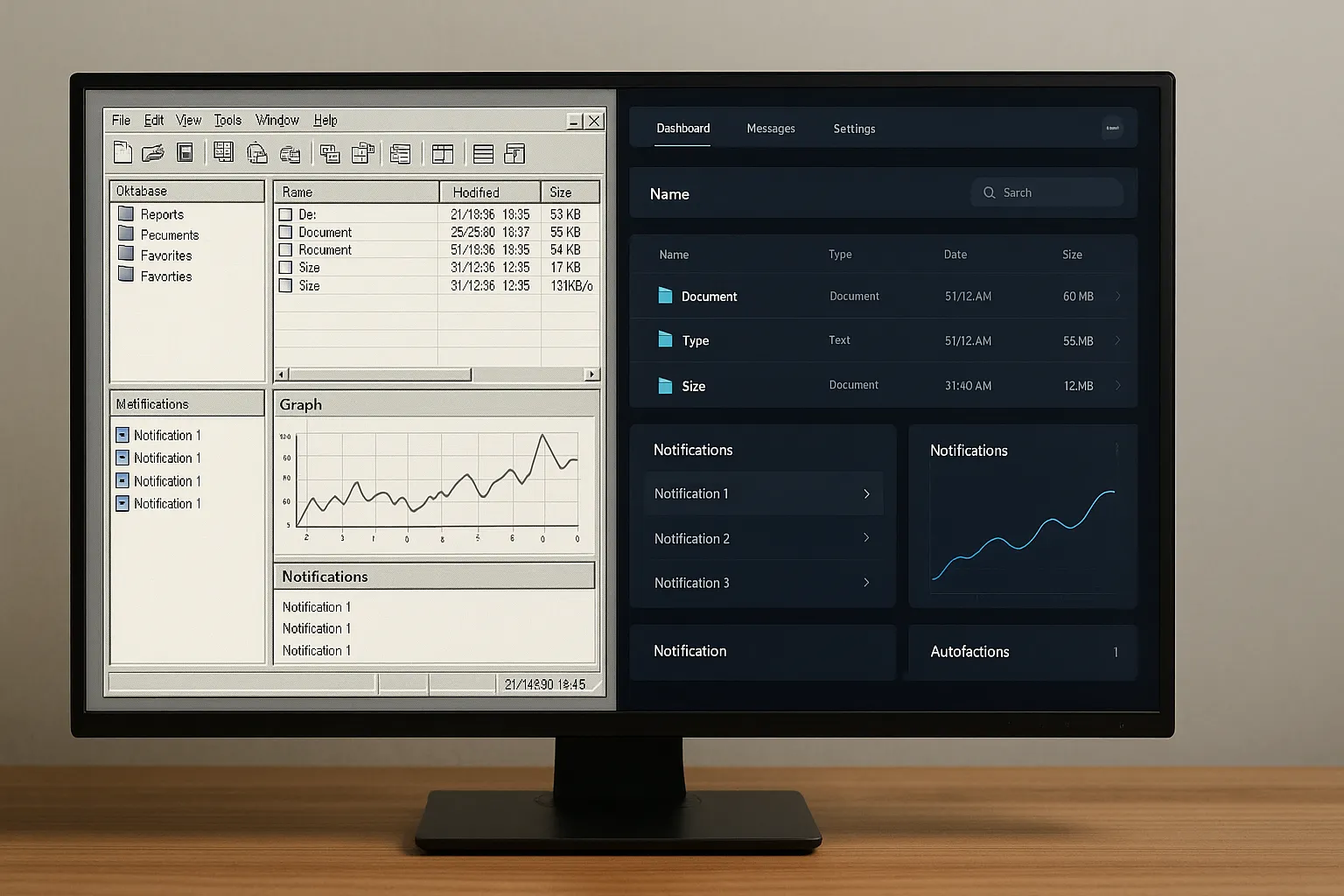

Have you ever noticed how much time are you wasting chasing events scattered all over your interface, as if every single action had to go through half a project before working?
It often happens that you think "Added the event, managed the status, updated the UI".
Then you find yourself inside a WPF project that has become a labyrinth of almost identical lines, so similar that they get confusing and make it difficult to understand where one feature begins and the other ends.
You are an experienced developer and do not need lessons on the basic mechanics of the framework.
Precisely for this reason you recognize the weight of that complexity which does not produce compilation errors and which, in any case, consumes energy, time and concentration.
It's a complexity that comes up when you're looking for the logic that changes the color of a button on hover and you waste minutes just remembering in which file did you hide it.
Every time you open the code-behind you find the same feeling of heaviness, with hundreds of lines managing states, animations, conditions and behaviors that shouldn't require all that manual work.
At a certain point in your career something happens.
Stop chasing noisy frameworks or patterns that promise simplicity and only deliver additional layers of bureaucracy.
You start to desire a cleaner way of building the UI, a job that doesn't force you to intervene everywhere, a code that finally becomes lightweight.
In that moment you understand that the experience is not measured in lines written, but in those deleted.
It is there that the desire for an interface capable of reacting on its own emerges, without forcing you to keep everything together with patches and micro-handlers scattered throughout the project.
And this is where Triggers start to show you another perspective: they are not decorations or aesthetic embellishments.
I am a different way of thinking: fewer events to chase, more conditions declared; less imperative code, more clear and readable rules.
When you use them with intention you realize that the benefit is not only in the UI, but also in your mind.
You find space, order and that feeling of control which makes you work with more clarity, without the constant weight of "where did I put it?".
It's a subtle but decisive transition, a moment when you stop reacting and start planning.
And from then on your way of building software never goes back to what it was before.
What are Triggers in XAML and why use them

There's a moment, while designing a WPF interface, when you realize what you're doing more effort than necessary.
It's that precise point where you realize that you're using the framework as if it were a burden to drag around, rather than a structure designed to actually help you.
It happens when you find yourself chasing scattered events, micro-methods nested in the code-behind and that subtle feeling that tells you that you are working "against" the interface, not with it.
This is where Triggers change the rules of the game, because they are not a graphic trick or a simple embellishment to be used when there is time left over.
They represent a different way of thinking about UI.
You no longer consider it an object to be kept in balance by dint of patches and conditions, but a system capable of reacting coherently on its own, without asking you for manual intervention for every detail.
A Trigger is a statement, a promise written in XAML that says “When this happens, do this”.
That's all.
Without hidden functions, without logical rebounds, without that labyrinth of events that grows silently until it becomes unmanageable.
It is an explicit, clear rule, readable even after months, which lives exactly where it should live: next to the interface it describes.
The result is not only a tidier file, but it is a mental lightness that you do not expect, because just open a check and read obvious behavior without digging into three different files or losing focus every time you look for something.
It's the feeling of finding continuity in your work and regaining control of the structure instead of feeling like the guardian of chaos.
Because in the end designing an interface shouldn't be a war of resistance; it should be a broader and more strategic mental approach, designed to support your professional evolution.
And Triggers do exactly that: they take away weight to everything that doesn't make you grow, they free up time, clarity and energy.
They give you back the most creative and strategic part of your work, the one that pushes you forward.
And this is not a detail, it is the reason why companies that think in terms of efficiency, clarity and technical sustainability are looking for developers capable of planning and not just writing code.
It's the difference between those who chase problems and those who build systems that stand on their own.
Do you really want to grow?
So you need to start here: by removing what weighs you down and embracing tools that work for you, not against you.
Triggers are one of them.
Difference between Property Trigger, Data Trigger and Event Trigger

There are times, while working on your UI, when you clearly feel that you're doing it all.
Every color that changes, every view that updates, every feedback to the user passes through your hands, as if the interface were incapable of breathing on its own.
And this weight, in the long run, tires.
It steals your energy, fragments your attention, turns an elegant project into a tangle that survives only because you keep it going.
This is where the real difference comes in between those who write controls and those who design them.
When you start to distinguish different types of Triggers, you're not just learning three tools: you're changing the way you think.
In particular:
- Property Triggers represent the purest form of autonomous reaction: the control doesn't need explanations: it just needs to know its internal state, such as when it is selected, disabled or has focus.It's a simple, direct conversation: “When you're like this, show up like this.”No superfluous bindings, no wandering around in the ViewModel, no forgotten patches the next day.It's the interface itself that comes to life.
- Data Triggers take this principle even further: here it is no longer the control that says what is happening, but the context that guides the interface.It is the model, the data and the internal logic of the application that determine its behavior.You enter a higher, more lucid level of design, closer to the logic of a software that grows with coherence.The UI doesn't react to events, it interprets data.
- Event Triggers, on the other hand, are the immediate spark: respond directly to user gestures without resorting to handler chains, useless bounces or scattered logic in the code-behind.Everything is stated exactly where it is needed, readable and close to control.For this reason they become the natural basis of animations, transitions and micro-feedback that make the software more alive, refined and sensitive to the user's touch.
Understanding this difference is not theory, it is clarity and order, because it takes you from chasing events to declaring them clearly.
It's one of the most obvious signs of professional growth, the moment you stop using brute force and start letting it happen the framework does its part.
An aspect emerges here that many ignore: those who know how to use Triggers not only build better interfaces but work with a decidedly superior mental lightness.
This quality is recognized and rewarded by companies, because it means fewer bugs, less friction and less dependence on external figures.
Just the opposite of competition which complicates everything, creates addiction and leaves chaos in your hands while they disappear.
You deserve tools that they make you autonomous, not that they constrain you.
If you feel like you're doing everything and the UI never gives you clarity, it's normal: it's the result of years of patches, layering and solutions that create dependency instead of making you autonomous.
In ours WPF course you learn an opposite approach: clear, modern, sustainable and designed to free you from unnecessary code-behind.
You don't have to become a slave to complexity.
You have to learn to guide it methodically, like the developers that companies really reward do.
Use Property Triggers to change the UI dynamically

When you work on a WPF UI you often have to do more than necessary.
Not because the code is complicated, but because you handle behaviors by hand that the framework could control on its own.
Property Triggers they are born to relieve you from this.
They transfer logic that you currently keep in the code-behind into XAML, leaving the UI the task of reacting to its own states without continuous interventions.
With a clear rule you can change colors, borders, opacity or visibility without chasing events or creating superfluous methods.
Everything lives where the interface takes shape, without fragmenting logic or dispersing control.
The most dangerous sentence in a language is: we have always done it this way.
Open the file and you find readable behaviors, simply declared, without bounces or hidden steps.
The project breathes, the mind becomes lighter and the UI becomes more coherent.
Using Property Triggers is not a shortcut.
It is a more mature way of designing, because it reduces noise, avoids duplication and makes what previously required effort look natural.
When you adopt this mindset you build solid rules instead of chasing micro-fixes.
And your interface finally becomes autonomous, stable and simple to maintain.
Data Triggers: Change the interface based on the data

There comes a point where you realize that the interface shouldn't just react to its own states.
A really smart UI should too reflect what is happening in the data without forcing you to chase every variation with imperative code.
Data Triggers solve precisely this problem and tie the UI to the model directly, avoiding unnecessary steps or methods that grow over time like out-of-control branches.
When the data changes, the interface follows the movement naturally and without asking you for additional interventions.
It is a higher way of reasoning: you no longer observe the single control, but the truth that lives behind it, and this allows you to build an interface that anticipates the context instead of constantly chasing it.
The power lies in clarity, because all the visual logic remains concentrated in a single point and stop duplicating conditions which would end up lost in the code-behind.
The result is a more stable UI and a significantly easier project to maintain.
You don't need complex converters or added properties just to “make something move”.
All it takes is a declarative rule which describes what should happen when a value takes on a certain state and the rest does WPF without noise.
When you really start using Data Triggers you understand that you are moving from a “hardly reactive” UI to a “coherent by nature” UI.
And that's when feel the difference: less noise, less friction, less chaos, with much more clarity, more order and more space to focus on what really matters.
If you still chase every data change with manual code, it's not your fault: it's the result of a way of working that keeps you tied to continuous micro-corrections and fixes.
In WPF courseyou learn to design a system that reacts on its own, without rebounds or artificial complexity.
It's the same difference that exists between a team that survives and one that produces true value.
Studying with us means moving from fatigue to clarity.
Event Triggers: Immediate reactions to user events

There are situations where the UI must react immediately, without waiting and without logic distributed in too many points.
When the user makes a precise gesture, such as a click or a mouse hover, the interface should respond without forcing you to create repetitive methods or handlers that weigh down the project.
Event Triggers were created exactly to solve this type of need.
They offer a declarative and orderly way to manage timely actions directly in the XAML, keeping everything close to the control where it belongs.
This approach avoids mental leaps, reduces the risk of dispersion and allows you to immediately read the desired behavior.
Using them means relying on a mechanism that makes the interface more lively and intuitive.
They become particularly effective when you want to activate animations, transitions or small visual feedback that communicate to the user that something really happened.
This way you no longer have to chase scattered micro-functions in the code-behind, nor remember in which file that small change was hidden.
It is important to recognize that Event Triggers do not have to manage complex logic, because that is not their purpose, but they are perfect for immediately energizing the UI and making every user gesture clearer.
When you use them with measure you discover how simple it becomes to design an interface responsive, readable and above all consistent with what the user expects.
MultiTrigger and MultiDataTrigger for advanced conditions
As the interface grows in complexity you start to encounter scenarios where one condition alone is not enough to describe correct behavior.
Visual logic depends on the alignment of multiple states that must occur at the same time.
In these cases, MultiTriggers become indispensable, as they allow you to combine multiple conditions on a single control and apply a style only when all of them are true.
This approach avoids the creation of nested ifs and duplicate logic, offering a much clearer way to define complex reactions without transforming the code-behind in a mosaic that is difficult to follow.
The reading remains clean and consistent, and you can immediately understand when and why a style is applied.
The MultiDataTriggers they bring the same logic to the world of data.
They allow you to observe values coming from the ViewModel or nested structures without resorting to complicated converters or properties designed only to satisfy the UI.
This makes the interface smarter, because it reacts to combinations of information from the model instead of relying solely on the state of the control.
However, it is essential to maintain balance: when conditions become too much XAML loses readability and the behavior is difficult to predict.
Two or three checks are perfect for maintaining order and coherence, while beyond that threshold it is better to move part of the logic into the ViewModel or review the architecture.
Used wisely, MultiTrigger and MultiDataTrigger eliminate noise, reduce complexity and they transform the UI into a clear structure, declarative and above all easier to maintain in the long term.
Your interface thus becomes more stable, more professional and much closer to a maturely designed project.
How to combine Triggers and Animations for dynamic effects
When you start using Triggers with greater awareness you discover that the UI can communicate much more than you imagine.
It must not simply change state abruptly, but can accompany every transition with clear and consistent movements that make the experience more fluid and professional.
An interface that changes color or visibility instantly can appear cold and rigid, while a smooth transition creates a more natural visual dialogue, helping the user understand where to go and what really happened.
Movement reveals what form hides.
Triggers become the starting point of this mechanism, because they detect the state that must activate change, while the animation transforms that change into a legible and pleasant movement.
It's a simple relationship: the Trigger decides "when", the animation defines "how", and the result is infinitely more elegant than any manual intervention.
The beauty of this approach is that everything stays in the XAML, without having to write timers, conditional controls or dedicated motion functions.
Animations live alongside Triggers and fire precisely, without generating chaos in the project or introducing fragilities that are difficult to correct.
When you start combining states and transitions with measure, your interface changes character.
It no longer appears as a simple set of controls, but as a coherent system that guides the user with decision and respect, offering a clean visual experience that communicates professionalism and attention.
The secret is to use animations as a touch of depth, without going overboard and without turning the UI into something noisy.
Micro-movements, slight variations in opacity or small scrolls are enough to create a digital environment that It feels modern and well designed.
And when you see a UI behave like this you understand that you are not just improving the visual aspect of the project.
You are elevating its structural quality, because every transition is clear reduces misunderstandings, lowers friction and makes every interaction more intuitive.
It is a form of order that is immediately noticeable and that changes the perception of those who use your software.
A UI that communicates fluidly is not an aesthetic quirk: it is what distinguishes those who build experiences from those who only write code.
In WPF course you learn a method that allows you to create modern, tidy interfaces without "patches" that age badly.
Unlike training that leaves you dependent on tools and recipes that are difficult to maintain, here you build real skills that make you free and competitive in the long term.
This is the level of quality that companies are really looking for.
Common Mistakes with Triggers and How to Avoid Them

When you start using Triggers more frequently you may feel like everything immediately becomes easier. It is precisely at that moment, however, that the first problems can emerge, because a powerful mechanism quickly becomes difficult to manage if you don't give it a precise direction.
The most frequent problems are:
- Too many uncoordinated triggers: Putting many in the same control creates overlaps that make it unclear which behavior should prevail.The result is a UI that reacts inconsistently.It is better to reduce and collect the logic in a single clear point.
- Ignoring Triggers and abusing code-behind: Moving all visual logic to the code-behind leads to interfaces that are fragile and complex to maintain, especially as the project grows.It is more effective to let Triggers manage visual states.
- Triggers that act on the same property: when multiple Triggers intervene on the same value without a precise order, unexpected and difficult to interpret behaviors arise.You need to define a main rule and establish an explicit priority.
- Event Triggers applied to unsuitable events: forcing them on events that do not support the desired behavior leads to temporary solutions that complicate the project over time.Better to choose more appropriate tools instead of adapting something that is not designed for that task.
It is useful to remember that Triggers have specific precedence and can replace values set elsewhere; for this reason it is important to define in the right place what must always prevail.
Random rules or unnecessary conditions end up generating bugs that are difficult to detect, especially in a team.
Other problems arise when Data Triggers depend on properties that do not properly notify changes, causing missing updates or visible delays.
In these cases the model must be revised and the logic must be concentrated in a more stable point.
The truth is that Triggers work very well when used sparingly and with clear intention.
This is what allows for readable, consistent and easier to maintain interfaces.
When something becomes chaotic, the problem is not the mechanism, but how it is used.
Going back to basics usually solves everything.
Practical examples to make the most of Triggers in WPF
When you start using Triggers with greater awareness you realize that they don't just serve to simplify logic.
They also allow you to create clearer and more predictable behaviors, capable of improve the quality of the interface without any additional effort.
It's a step that turns theory into practice and allows you to see the real-life benefits of the project.
One of the most immediate examples concerns the management of the visual state of a control that must communicate an important condition, such as a button that signals a critical operation.
Instead of writing repetitive methods to update color and style, a Property Trigger expresses everything in a single rule, making reading extremely more linear.
Another frequent scenario arises when you want the UI to react to data naturally, without chasing events or manual synchronizations.
A Data Trigger can make a section appear, highlight a field or change a visibility simply by observing a model value, transforming the behavior into a predictable and stable mechanism.
Then there are cases in which a reaction must arise from a single user action, such as a click or a mouse-over.
In these situations Event Triggers allow to define the response directly in the XAML, without creating micro-methods that age badly and make maintenance difficult after a few months.
However, when you need to combine more complex conditions, MultiTriggers become fundamental.
They allow you to declare behaviors that emerge only when different properties of the same control are in the correct state.
This eliminates duplications immediately and if spread throughout the code-behind, giving the UI a more coherent logic.
Animations complete the picture, because a well-designed transition can make a change evident without resorting to abrupt signals.
A slight fade-in, a barely noticeable movement or a gradual color change are enough to accompany the user and make every action clearer.
Like this avoid inaccurate effects typical of improvised solutions.
The strength of these examples lies not in their complexity, but in the feeling of control they provide.
When you open a XAML file and can read declarative behaviors without having to go back to four different files, you understand how much Triggers contribute to building a cleaner and more stable UI.
Each declarative choice eliminates a potential error, reduces future maintenance, and allows you to design an interface that grows in order instead of becoming an accumulation of Band-Aids.
The examples show only a portion of the possibilities, but what really matters is the mindset that develops when you learn to use them with intention.
That's where you realize how well-designed a UI is can lighten the mental load and open up creative space.
Transform a complex project into a system that works naturally, without requiring constant manual interventions that you shouldn't be doing.
And now you decide: do you want to keep chasing patches, scattered events and complexities that give you nothing back or do you finally want to learn to design UIs that work for you, reduce friction and increase the value of your software?
The WPF course it is the only path that does not transform you into a recipe executor, but into a developer capable of creating modern, sustainable and profitable interfaces.
You don't learn "tricks", but you learn a method that:
- Increase productivity because you stop writing superfluous code and start using the framework as leverage.
- Reduces maintenance costs because your UI becomes clearer, more predictable and easier to evolve.
- Increase the value of the software because every line you write generates order, stability and economic return for you or the company you work for.
- It makes you independent, free from dependence on external consultants and solutions that age poorly.
- Empower the team, because those who learn this approach immediately bring greater clarity, less friction and a more serene and organized work environment.
- It makes you competitive, because mastering modern and sustainable tools immediately makes your professional profile more attractive.
This is not generic training, it is a clear, modern and results-oriented method.
It is the passage that separates those who suffer complexity from those who dominate it with elegance.
If you really want to level up, this is the moment.
Prove to yourself, and to those who work with you, that you are not here to survive in complexity, but to govern it.
Leave your details in the form below